 SelfCtrl
Four places, each with a small job
SelfCtrl is deliberately short on features. Each part does one thing, and each is happy to be ignored. Open as many as you like.
Meals
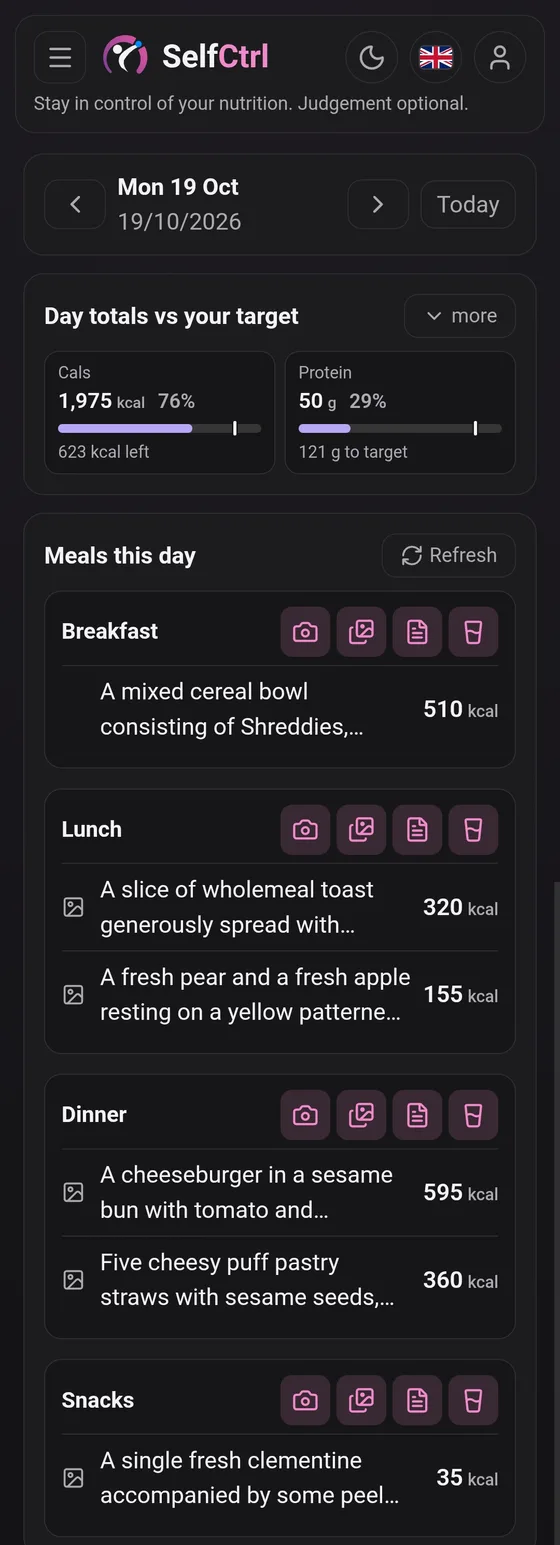
Your log, by day and by meal.
One day at a time, grouped into breakfast, lunch, dinner and snacks. Add a meal from a photo or a line of text, or log a drink with one tap. Open any meal to correct it. The day's totals sit at the top.
It doesn't comment on what you ate.
Perspective
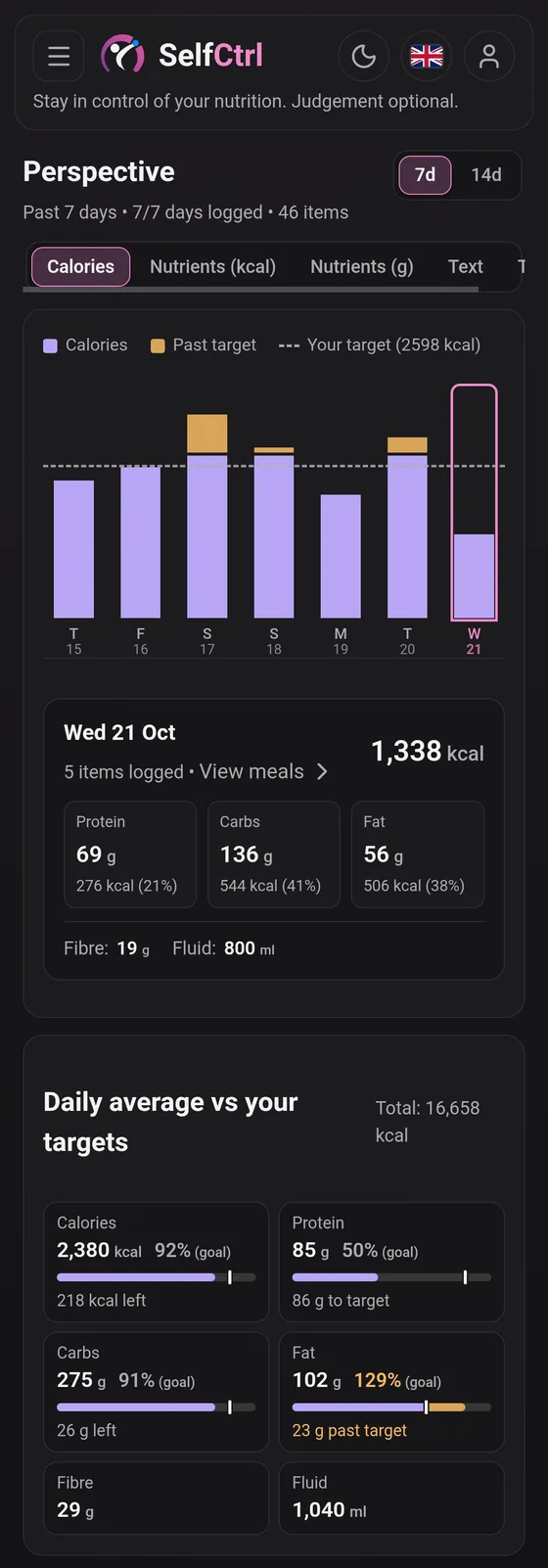
Your days, in context.
This is where a single day gets put in perspective. Seven or fourteen days of calories and nutrients as charts, with your averages, and a way into any day to see what it was made of. A big dinner is one bar among several, not an event.
No scores, no streaks.
Context
Optional details, for a rough idea of what you burn.
Age, height, weight and how active you are, used to work out a rough planning figure for what you burn in a day. It isn't a medical measurement, it's for adults only, and nothing else in SelfCtrl needs it.
Control
Optional targets you set yourself.
Targets for calories, protein, carbs, fat, fibre and fluid, each one "at most", "at least" or "around", plus a target weight if you want one. SelfCtrl can suggest a number worked out from your Context, but nothing changes until you accept it. Leave a target blank and that thing is never measured against anything.
If you set a target, the day's total shows how it sits against it, as a number and, past an "at most" or "around" target, a soft colour. That's the whole of the feedback.
And a few things around the edges
Works with a poor signal
Meals save on your device first and send when they can.
Light and dark
Follows your device, or your choice.
Yours to take
Export your meals as a spreadsheet, or delete your account, whenever you like.
Where it runs
Any browser, and an Android app in early testing.